How to Make a Spin Wheel in 60 Seconds
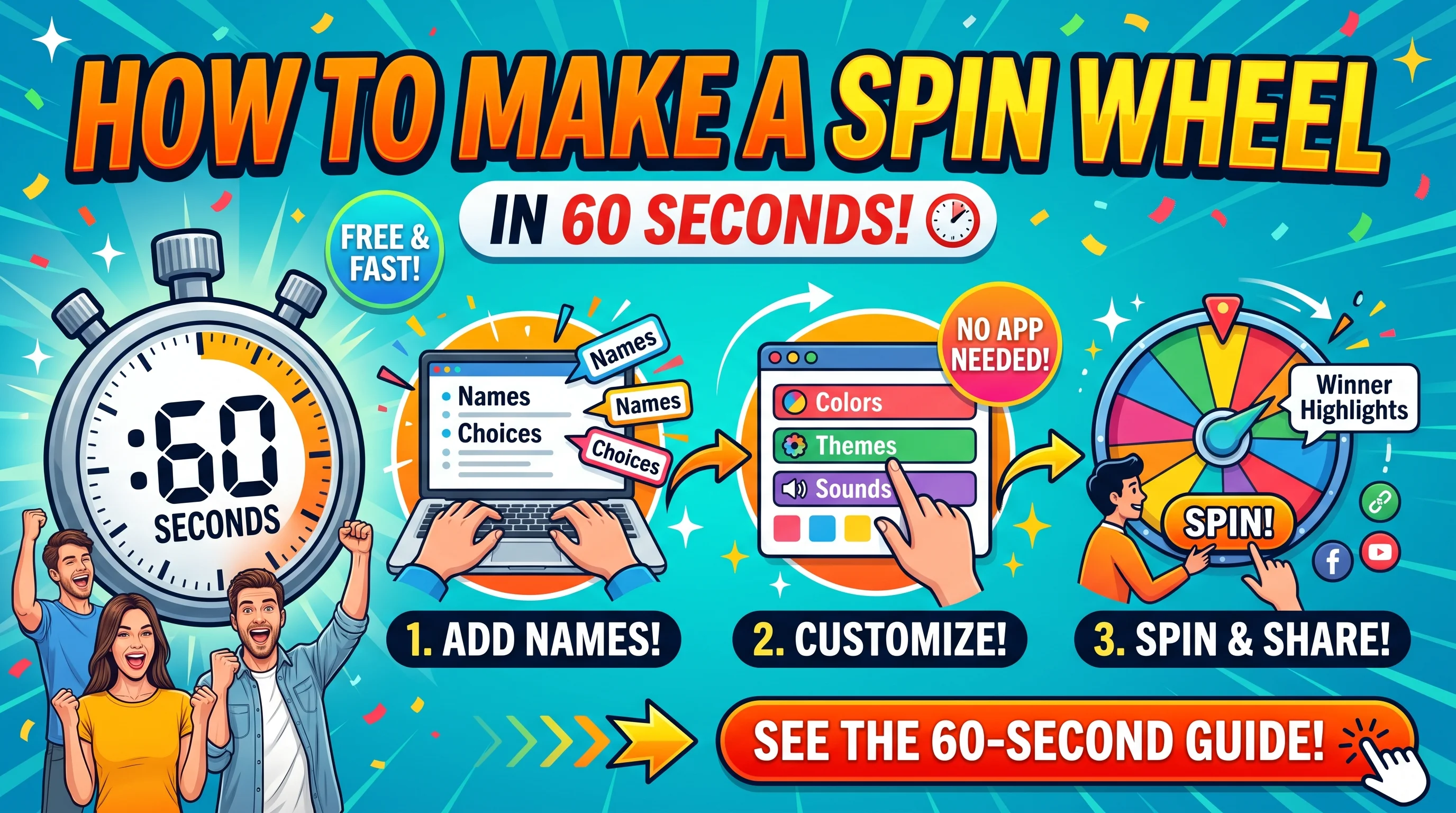
How to Make a Spin Wheel in 60 Seconds, Create a spin wheel online by going to the Spin Wheel page, typing your entries on separate lines, then spinning the wheel. That is the whole process for creating a basic wheel. Once your list was created it only takes a minute because you spend a lot of that minute typing your list.
By Malik Aiesh Bahadur,
Before you start
Write your list somewhere first. A notes app is a good place. You may think this step is fussy, but a list typed straight into the wheel can get hidden if you happen to close the tab by accident, and it will be useful to have the same list again next time.
Decide what the wheel is for. A wheel to pick a student is different from a wheel for prizes, because with prizes you may want some slices to come up more often than others. If you are unsure what to put on your wheel, the templates have ready-made lists for movies, meals, dates and chores that you can copy and edit.
The steps
-
Open the Spin Wheel. It doesn't require you to download anything; it runs in your browser on a phone, tablet or laptop. [Screenshot: the empty wheel page]
-
Enter your entries. Type or paste them into the entry box, one per line. These can be names, foods, tasks, numbers, anything at all. Keep them short, as anything long gets clipped when the wheel appears. [Screenshot: a list typed in, with the wheel updating]
-
Review your list of entries. Check for mistakes and duplicates. A name listed twice has a doubled chance of winning, and people tend to notice that. Delete anything you don't want to appear on your wheel.
-
Customize your wheel if you like. If the options appear for changing colors, sounds or other display choices, do so now. Leave those alone for a default, equal wheel. If you're using weights, know that the chances are no longer equal. [Screenshot: the settings panel]
-
Spin your wheel. Press the spin button or click on the wheel; it'll pause after a few revolutions to show the result. The result is picked before the spinning stops, so how fast you move the wheel has no effect. See how a spin wheel chooses a winner for details.
-
Use the result and possibly spin again. If you want each entry to only appear once, enable the option to remove an entry when it's used; otherwise the same entry can be selected twice in a row, which is valid but often surprising.
-
That is all. A wheel used once takes about as long to reconfigure the second time as the first, and something copied from a template is faster still.
Small things that make a better wheel
Keep list under about 30 entries. Beyond that point, the labels get too small to see from across the room, and a list shuffler becomes more practical.
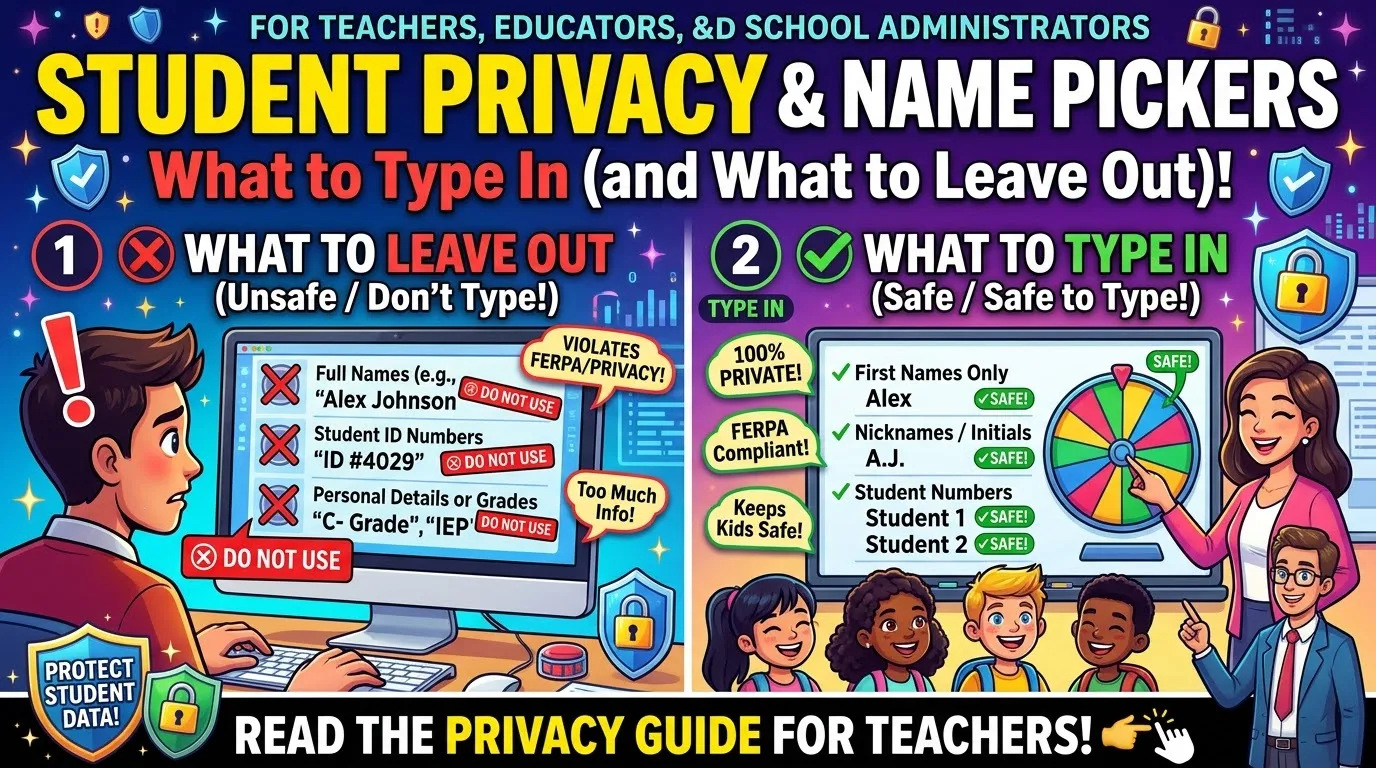
Use first names or nicknames for classrooms. Using full names on a projected screen is embarrassing for the kids, and reveals more personal information than I'd want to know about my own students. If you aren't sure what info gets saved, read the privacy page before putting anything personal on the site.
Display the wheel on a large screen when there are other people involved. No one argues with results they saw appear. For a giveaway, record the screen as well.
Set the rule before you begin. If you agree to let the first spin determine the outcome, you'll end up spinning until you get the answer you want. That's the only thing I'd worry about doing wrong.
Common mistakes
The vast majority of problems are caused by the list, and not the wheel. Duplicate entries, a blank entry that gets converted to an empty slice, or weights carried over from the last use are the usual suspects. If you see an unexpected result, check those first.
Another common issue is using the wrong tool for the job. If you need to determine the turn order for a large group, spinning the wheel ten times in a row is tedious, and the Random Order Generator has a button that does it for you in one click. If you need to break a group into teams, see the fair teams guide.
Frequently asked questions
How do I make a spin wheel online for free?
Go to the Spin Wheel website, enter your entries (one per line) and click spin. There is no need to download anything.
Can I make a wheel with my own names or things?
Of course! Just think of anything you can write down – names, dinner ideas, dares, etc.
How do I avoid getting the same entry twice?
Enable the «remove» option so that every entry is only used once.
Can I use this on my mobile phone?
Yes, as it works both on laptop browsers and mobile devices.
Is it fair?
The winning entry is determined by a random number selector before the spinning animation begins. If you want more information about a wheel of names and how it works, just read the article.
Make yours now
Open the Spin Wheel, paste in your list and give it a try. If you want ideas to start from, the templates are the quickest way in.
- When to Let a Yes or No Wheel Decide
- How to Stop a Spin Wheel Repeating Winners
- Weighted Spin Wheel Explained: How Weights Change Your Odds
- How to Split a Group Into Fair Teams: 3 Methods
- Yes/No/Maybe Wheel vs Pros and Cons List: Which Should You Use?