Random Order Generator for Class Presentations: How to Run a Fair Schedule
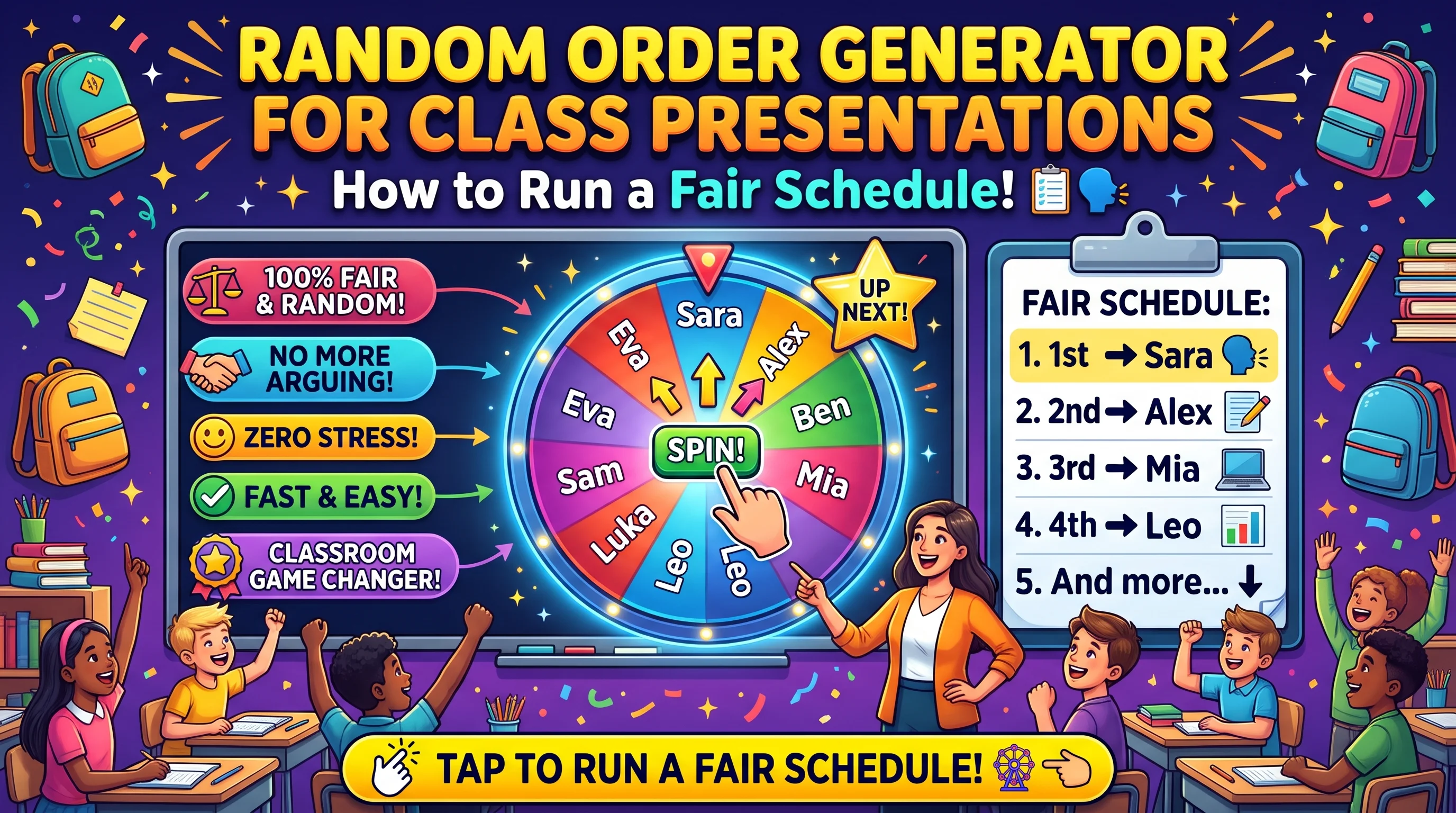
Random Order Generator for Class Presentations: How to run a fair order. Simply add your presenters to the generator, hit shuffle and share the list. Decide what you will do if people swap or miss their turn in advance. Reverse the list for the next time. This is quick to set up (only takes about 2 minutes) and means you no longer have awkward silences where everyone is asking who wants to go first.
By Malik Aiesh Bahadur,
Why not just ask for volunteers?
We have all been there before. The teacher asks who wants to go first. No one volunteers. Two confident students will then volunteer. However, the class will then fall silent and the teacher will start to pick. This causes everyone to become more anxious.
Volunteers also mean that the same people will always go first. Those who are really anxious about presenting will be left to the end causing them to be anxious throughout. Using a random order gets rid of this problem. Everyone doesn’t have to volunteer and you cannot be accused of favouring anyone.
Does the order really matter?
Yes. It depends.
Teachers often mention that over the course of many presentations grading can become inconsistent. The first few students may be marked more harshly or more easily. Some research into judged competitions has shown that there can be a difference depending on where you are in the order. However, this isn’t always the case and shouldn’t be over emphasised in a classroom setting.
Students can have very strong opinions. Some want to go first so they can get it over with whilst others want to go last so they can learn from everyone. As it is random there will be no arguments and no one can try to manipulate the situation.
The seven-step method
-
List your presenters. Use first names for individuals. Use numbers or names for groups. If you need to create groups, use the Random Team Generator and the fair teams guide.
-
Decide how many presentations you want per lesson (see below for timing).
-
Shuffle. Copy the list and use the Random Order Generator. Only do this once. If possible do this in front of the class. Don’t do this again as it’s not a great result.
-
Share the order. Display it somewhere. You could put it on the board, learning platform or wall. Include the date for each presentation.
-
Set rules. Decide before shuffling what will happen if they want to swap, are absent or have clashes. (See table below).
-
Presentations. Present on time.
-
Swap the order. If doing a second round, reverse the order so the last person is first. This means everyone gets a fair amount of good and bad positions.
When should students find out their slot?
There are three common choices.
|
Reveal |
How it works |
Good |
Not so good |
|---|---|---|---|
|
Several days ahead |
Publish the full order early |
Everyone can plan and rehearse |
Students may try to trade slots |
|
The day before |
Reveal the night before or at the end of the previous lesson |
Time to prepare, little time to bargain |
Last-minute stress for some |
|
On the day or when ready |
Shuffle at the start of the lesson, or only among students who say they are ready |
Keeps everyone prepared and accountable |
Highest anxiety, and some students need notice |
Most classes will benefit from a day in advance or a few days in advance with a clear swapping rule. This gives you peace of mind as you know what time you will have and it is fair. If you do it on the day it can work well for informal discussions. One teacher on random.org mentions that they shuffle the teams once everyone is ready. This keeps everyone focused. It is an interesting idea for practice sessions however can cause some stress for nervous students.
Rules for swaps, absences and conflicts
Things will go wrong. Decide the rules before the shuffle, write them down and share them.
|
Situation |
Suggested rule |
|---|---|
|
A student wants to swap |
Allowed only if the other student agrees and you approve, at least a day before |
|
A student is absent on their day |
They present at the next available slot, or at the end |
|
A student has a known conflict, such as a medical appointment or a competition |
Tell you before the shuffle, and place them in a slot that works |
|
A student is not ready |
They present at the end of the session with a note about late preparation |
|
The shuffle puts friends or rivals together |
Leave it. Random is random |
|
Nobody wants to be first |
The first slot gets a small benefit, such as a bonus point or a free retry. It is optional |
Writing the rules down means you will not have to make one-off decisions that others notice.
How much time do you need?
A simple formula helps.
Time per presenter = talk time + changeover + questions.
Four minutes talking, one minute transition, one minute questions = 6 minutes per student. This will allow 7 presentations in 45 minutes. 42 minutes total with a little leftover. 28 students in class = 4 lessons.
Have some extra time. Things can go wrong with technology and some students may go over. If you plan on 6 minutes per student but your lesson is only 42 minutes you will be behind. You can either do one less presentation per lesson than you have calculated or use a timer.
Easing nerves
A random order does not make presenting less scary. It does make waiting fairer. A few more ideas.
-
Students should practice with a partner or small group.
-
Allow students to ask a question about the structure for 1 minute.
-
Give everyone a brief opportunity to practice in a low-pressure situation.
-
Explain that you will be encouraging when providing feedback. See cold calling without embarrassing students for more information.
-
If students are struggling to present then discuss with them how you can adapt the task. Maybe they could present to a smaller group or a recording.
Grading fairly across a long run
A random order does not remove marking drift on its own. Some habits help.
-
Use a rubric
-
Score based on the criteria. Don’t compare to previous presentations.
-
Score each presentation immediately.
-
Go back to the first few. At the end look back at the first 3 and ask yourself if you would score them the same now.
-
Take notes. This will help you provide feedback. Aim for a few lines of notes per student.
Group presentations
Give each group a number, shuffle the numbers and write the order on the board. Tell each group which position they are in. If they are different sizes, check that the timetable fits with the number of pupils in each group. You can give them roles within their group (who goes first etc.) using the group work roles wheel.
Online lessons
Make sure you share your screen whilst you are shuffling. Add the order to the chat and keep a copy of the list as the chat will scroll. If someone gets disconnected during the activity use the absence rule.
Generator or wheel?
Both can be used. The random order generator will shuffle all the names in the list for you. Whereas the spin wheel (with removal) will give you suspense whilst choosing one name at a time.
Both are fair. Choosing students one by one without replacement will give the same result as shuffling all the names. To ensure that there are no repeated winners using the wheel, make sure you have the removal option on so that each student only appears once.
Beyond the classroom
This can be used for meetings, stand-ups, product demos, lightning talks and debate sessions. Simply put the names into a list, shuffle and share. No one will be biased by always having the same people go first.
A script for announcing the order
"There are 28 presentations. The order has been randomly shuffled so that there is fairness. Please let me know by Friday if you have a genuine clash and I will try to help. From today onwards you can only swap with someone's agreement and my approval one day in advance. If we do a second round the order will be reversed.
Frequently asked questions
How do I choose a fair presentation order?
Shuffle the list of presenters once with a random order generator and publish the result.
Should students know their slot in advance?
Usually yes. The day before, or a few days ahead with a swap rule, works well for most classes.
Can students swap places?
Only if you allow it. A clear rule written in advance helps, such as both students must agree and you must approve a day early.
How long does each presentation take?
Add talk time, changeover and questions. Four minutes of talking usually becomes about six minutes a student.
What if a student is absent on their day?
Put them in the next available slot or at the end, as your rule says.
Does order affect grades?
It can, through marking drift. A rubric and scoring each talk straight away reduce it.
Try it
Paste your class list into the Random Order Generator and shuffle. If you want to reveal the order one name at a time, use the Spin Wheel. For more classroom routines, see 12 fair participation routines, and for what to type into a class list, read student privacy and name pickers.